I’m going to be blunt: most “pick and place machine setup” failures don’t look dramatic at first, they look like tiny annoyances—one feeder that mis-picks every 200 parts, a nozzle that “sometimes” drops 0402s, a vision library that guesses polarity until it doesn’t—then, three shifts later, you’ve built a scrap museum and everyone pretends it’s solder paste’s fault. Want the fastest way to waste a month?
Here’s the ugly truth: you’re not installing a single machine. You’re commissioning a system—mechanical, pneumatic, electrical, software, data, ESD discipline, operator habits—and if any one of those is “good enough,” the line will still punish you, slowly, repeatedly, and right when a customer is waiting.
Also, the market reality matters. In 2024, the global market for SMT equipment was about USD 4.3B, and the “SMT robots for component mounting” segment declined 7.7%—meaning vendors compete hard, but you still live with the setup debt after the sales team leaves. According to Mycronic’s 2024 year-end report.
So let’s do this like grown-ups: step-by-step, with the checks people skip.
1) Before delivery: lock the site down (or don’t bother)
Short sentence. Level matters.
If your floor is out, your rails fight gravity, your head fights the rails, and your placement fights the camera calibration; you can “calibrate” all day and still chase ghosts because the machine is physically living on a twist, not a plane—so you get intermittent errors that disappear when the tech is standing there and return the moment they fly home. Sound familiar?
Site checklist that saves pain
- Power: confirm voltage, phases, grounding scheme, breaker sizing, and that you can actually isolate power safely.
- Air: dry, stable pressure, correct fittings, and a plan for leaks (they always show up later).
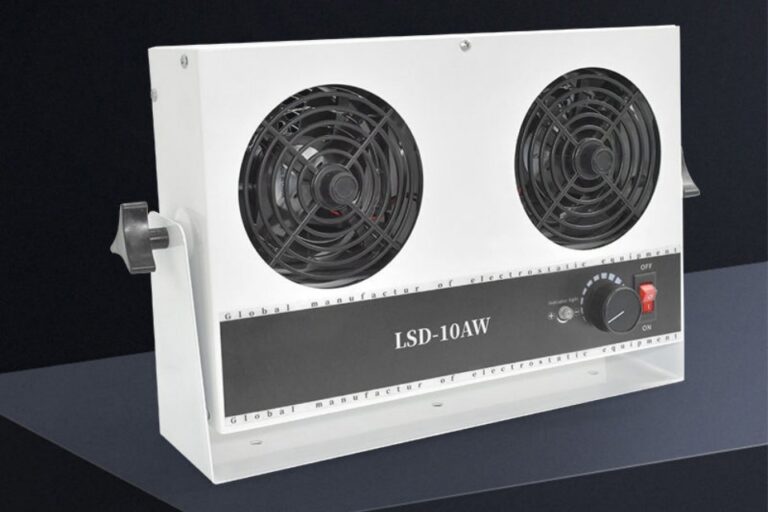
- ESD: flooring, wrist straps, ionization where needed, and an audit habit (not a poster).
- Network/IT: IP plan, firewall rules, license servers, backups, and who owns the PC image.
- Material flow: where feeders live, how reels stage, how you handle moisture-sensitive parts.
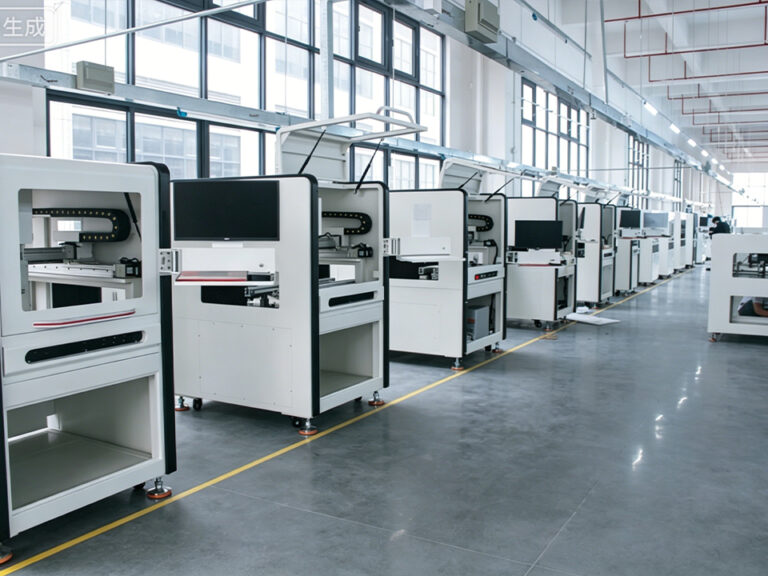
If you’re building a full line, don’t guess the layout. Use a real reference and copy what works: start with turnkey SMT line solution planning and adapt it to your board mix, not your ego.
2) Uncrating: treat it like an incoming inspection
No drama. Just discipline.
Open the crate and take photos of everything—shock indicators, tilt indicators, dents, broken seals, missing accessories—because “it arrived like that” is a sentence that only works before you sign the paperwork.
Do this in order:
- Verify serial numbers and accessory list (feeders, nozzles, cameras, rail options, toolkits).
- Check shipping locks and head travel restraints (remove them only when you’re ready).
- Inspect rails, camera covers, and nozzle stations for visible damage.
- Confirm you received the software/license dongles (yes, this gets lost).
Then read your own rules: if anything looks wrong, stop and document. If you need to invoke coverage later, you’ll be glad you bookmarked the warranty policy details.
3) Safety first: “setup” is legally a hazardous-energy activity
Here’s where people get cute. Don’t.
When you install, service, or adjust machinery, you’re in the world of hazardous energy control, and regulators don’t care that you were “just setting up.” OSHA’s lockout/tagout standard (29 CFR 1910.147) exists because people get hurt during exactly this phase. See OSHA’s overview on Control of Hazardous Energy (Lockout/Tagout). (osha.gov)
And enforcement is not theoretical. A California safety appeals decision (Anheuser-Busch, Inspection No. 1398352) goes after the lack of machine-specific lockout/tagout and hazardous energy procedures—because generic steps don’t control real stored energy or all motion hazards. Read the decision here: OSHAB Decision After Reconsideration (pdf). (dir.ca.gov)
If you operate in the EU (or sell into it), pay attention to the EU Machinery Regulation 2023/1230 timeline (in force in 2023; applies in 2027). It’s pushing harder on documentation, digital instructions, and security expectations. Start here: UK Government summary of the 2023 regulation and application date and the compliance view from industry specialists: Pilz overview of Regulation (EU) 2023/1230. (政府网站)
4) Utilities hookup: power and air are boring until they ruin you
It works. Usually.
Most first-time installs fail here because the line “runs” but isn’t stable—air pressure droops when the compressor cycles, condensation shows up after lunch, grounding is “somewhere,” and the machine PC is plugged into a random strip under a bench like it’s a toaster. Why invite random faults?
Do this:
- Verify ground continuity to the machine frame.
- Confirm E-stop loop tests clean.
- Validate air quality (dry, filtered) and watch pressure while the machine cycles.
- Label the isolators and train everyone on shutdown and restart.
If you don’t have internal capability, buy it. Seriously. The cheapest way is structured support and training: SMT training and after-sales support saves more scrap than another “AI camera upgrade” ever will.
5) Software setup: libraries beat heroics
I’ll say it plainly: your data is your yield.
You need:
- Correct machine software version (and a rollback plan).
- Component libraries with package geometry, pick height, vision parameters, polarity rules.
- Feeder tables (what’s loaded, where, and with what pitch).
- CAD import workflow that doesn’t mangle rotations.
- Backup routine (daily is normal; per-change is better).
If you’re doing prototypes and fast changeovers, build the workflow around it from day one. Use ideas from prototype and small-batch SMT line setups so you don’t design your process around “one perfect job” that never repeats.
6) Mechanical calibration: rails, cameras, nozzle centering
Tiny step. Big consequence.
Calibration is not a single button. It’s a chain:
- Rail parallelism and width accuracy
- Board support pins and clamping behavior
- Fiducial camera focus, lighting, and thresholds
- Placement head geometry
- Nozzle alignment and centering (the silent killer)
- Z-height references (so you don’t kiss the board or hover above paste)
Here’s the pattern I see in incident logs: people rush nozzle centering, then spend a week “tuning vision” to compensate for a mechanical offset that never went away.
Hard truth: if your nozzle centering is off, the machine can still place parts—just not repeatably across different components, boards, and feeder types.
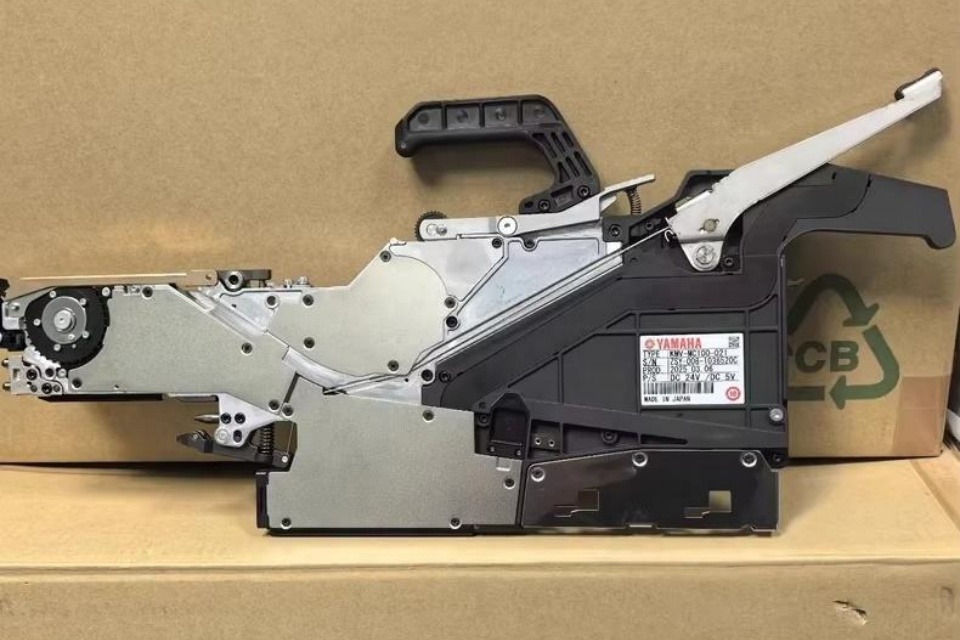
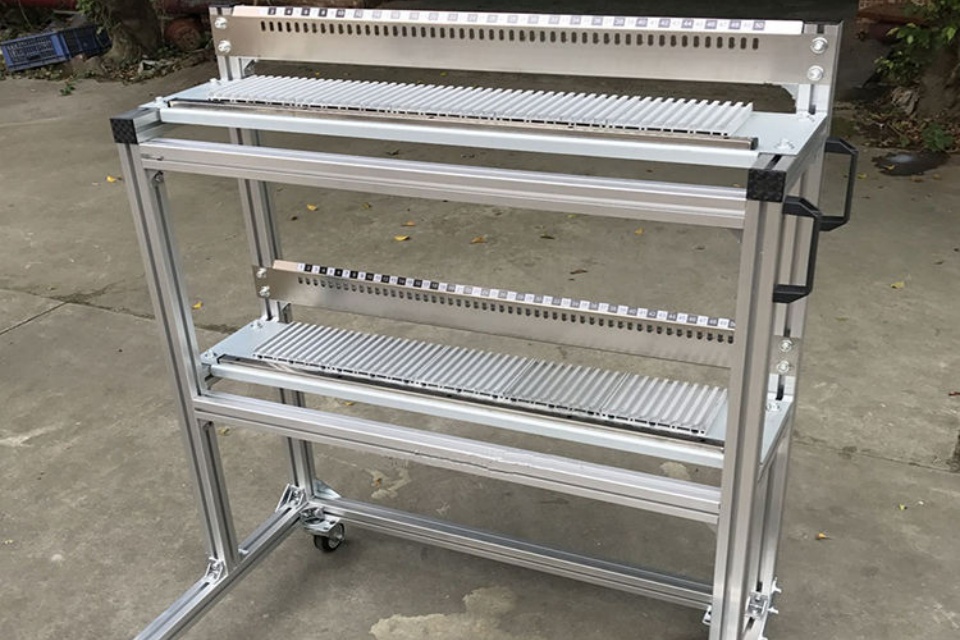
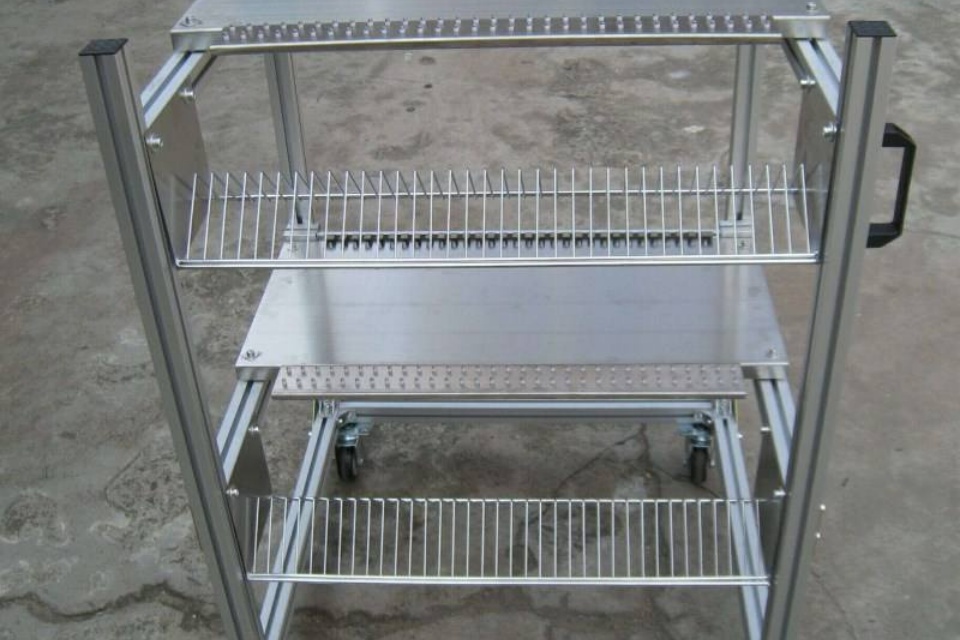
7) Pick and place feeder setup: where time goes to die
Feeders are the real machine. Heads just move.
A clean pick and place feeder setup means:
- Correct feeder type for tape width and pitch
- Tape path tension correct (no dragging, no slack)
- Cover tape peel angle consistent
- Pickup point taught and verified
- Feeder maintenance status known (wear is real)
If you’re scaling up, build for it. High mix and low volume hates one type of feeder strategy; high output hates another. Don’t pretend they’re the same. Use high-speed mass production line design patterns if your goal is throughput, not “we’ll figure it out later.”
8) Commissioning: prove it with a first-article build and a sign-off
This is where you stop guessing.
Run a controlled first article:
- Known-good PCB
- Known-good components (no mystery reels)
- Simple program first, then your real program
- Verify placement, rotation, polarity, height
- Inspect (AOI helps, but a microscope and a ruthless checklist also work)
Then document it. Not because paperwork is fun, but because repeating success requires a record.
A practical pick and place machine setup checklist (the one people actually use)
| Setup stage | What people skip | What it looks like later | What to verify before you move on |
|---|---|---|---|
| Site prep | Leveling + grounding checks | “Random” placement drift | Level report + ground continuity |
| Utilities | Air stability under load | Mis-picks, vacuum faults | Pressure under cycle + dryer status |
| Software | Library discipline | Polarity chaos, bad rotations | Library audit + version control |
| Calibration | Nozzle centering | Off-by-a-bit parts, intermittent drops | Centering results + repeat test |
| Feeder setup | Pickup point verification | One feeder “cursed” | Pickup check on 3–5 cycles |
| Commissioning | Written sign-off | Tribal knowledge only | First-article record + backups |
FAQs
Q1) What is pick and place machine commissioning? Pick and place machine commissioning is the documented sign-off process where you prove the machine, feeders, vision, and programs can place real parts on real boards at your target yield, using repeatable checks (safety, calibration, first-article build, and backup files) before production. After that definition, here’s the practical point: commissioning isn’t “it placed one board.” It’s “it placed ten boards, across shifts, with the same result,” and you can reproduce it next week.
Q2) How do you set up a pick and place machine for the first time? Setting up a pick and place machine for the first time means preparing the site (power, air, ESD, leveling), installing and inspecting the machine, configuring software and libraries, calibrating rails/cameras/nozzles, teaching feeders, and completing a first-article build with recorded results so the setup is repeatable, not luck-based. If you skip “recorded results,” you didn’t really set it up—you just got it running once.
Q3) What’s the difference between pick and place machine installation and setup? Pick and place machine installation is the physical placement and connection work—positioning, anchoring/leveling, power, air, and network—while pick and place machine setup is the process tuning and proof work—software configuration, calibration, feeder teaching, nozzle centering, and commissioning checks that validate real production performance. Install gets you powered on. Setup gets you stable output.
Q4) Why does nozzle alignment and centering matter so much? Nozzle alignment and centering is the calibration step that ensures the machine’s assumed pickup and placement geometry matches physical reality, so the head places parts where the software thinks it does across different nozzles, components, and speeds, without “compensating” errors in vision settings that later break on new jobs. If centering drifts, your “tuned” vision becomes a patch, not a fix.
Q5) What should be on a pick and place machine setup checklist? A pick and place machine setup checklist is a written sequence of verifiable checks—site readiness, safety isolation steps, utility validation, software/library readiness, mechanical calibration (rails, cameras, nozzle centering), feeder setup verification, and first-article inspection results—so setup quality doesn’t depend on who is on shift that day. Make it short enough that people will follow it, then enforce it.
Q6) How long does SMT pick and place machine setup take? SMT pick and place machine setup time is the total effort to reach repeatable, documented production readiness—from site prep through calibration and first-article sign-off—and it varies mainly with line complexity, library maturity, and feeder strategy, not the machine brand name printed on the cover. If your libraries are a mess, setup “takes forever” because you’re debugging data, not hardware.
Conclusion
If you want, I’ll map your exact pick and place machine setup flow into a commissioning plan you can hand to a tech and an operator—clear sign-offs, fewer arguments, faster ramp. Start with our contact page, and tell me your machine model, feeder types, and your first two products.